SharingJun 8, 2026
Share forms with public links, QR codes, and website embeds
Choose the right sharing method for customers, staff, printed material, and external websites.
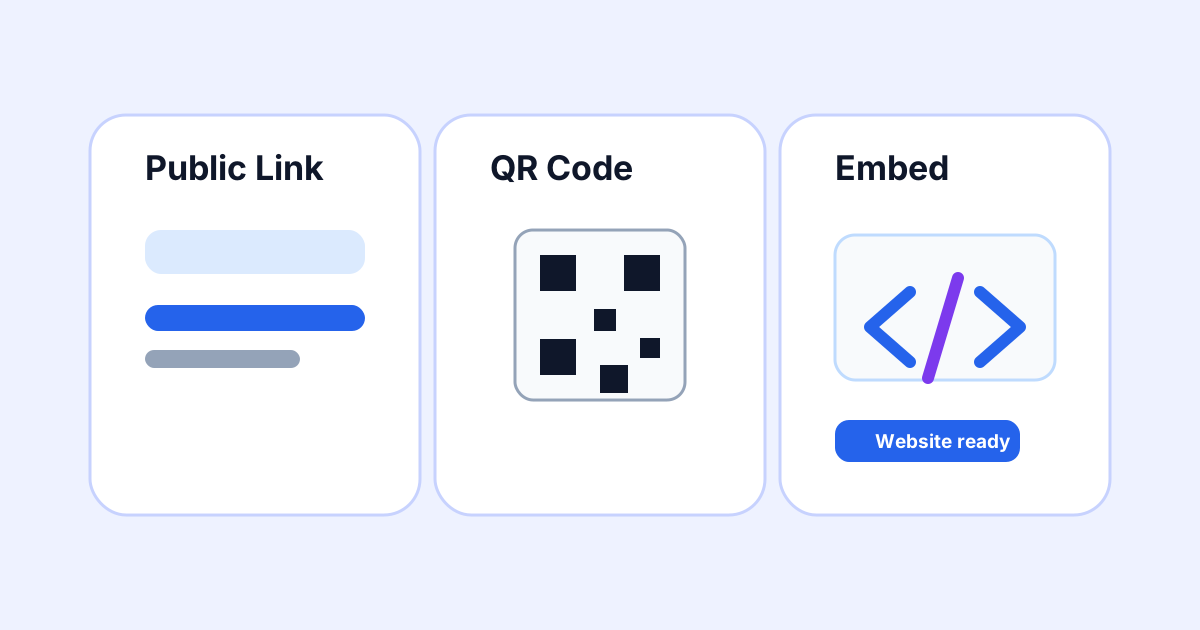
Once a form is published, FormOS gives you multiple ways to share it. Use the method that best fits where your customer or staff member will find the form.
Use public links for direct sharing
Public links are best for email, SMS, website buttons, and customer portals. Anyone with the link can open the published form.
Use QR codes for physical workflows
QR codes work well on counters, printed forms, vehicles, posters, and site signage. A customer can scan the code and submit from their phone.
Use embeds for your website
Embedded forms let visitors complete a FormOS form without leaving your website. Submissions still appear inside your FormOS dashboard and follow the same validation, uploads, and PDF workflow.