Collect signatures and send completed PDFs automatically
How signature fields, office-use fields, and final PDF delivery work together in FormOS.
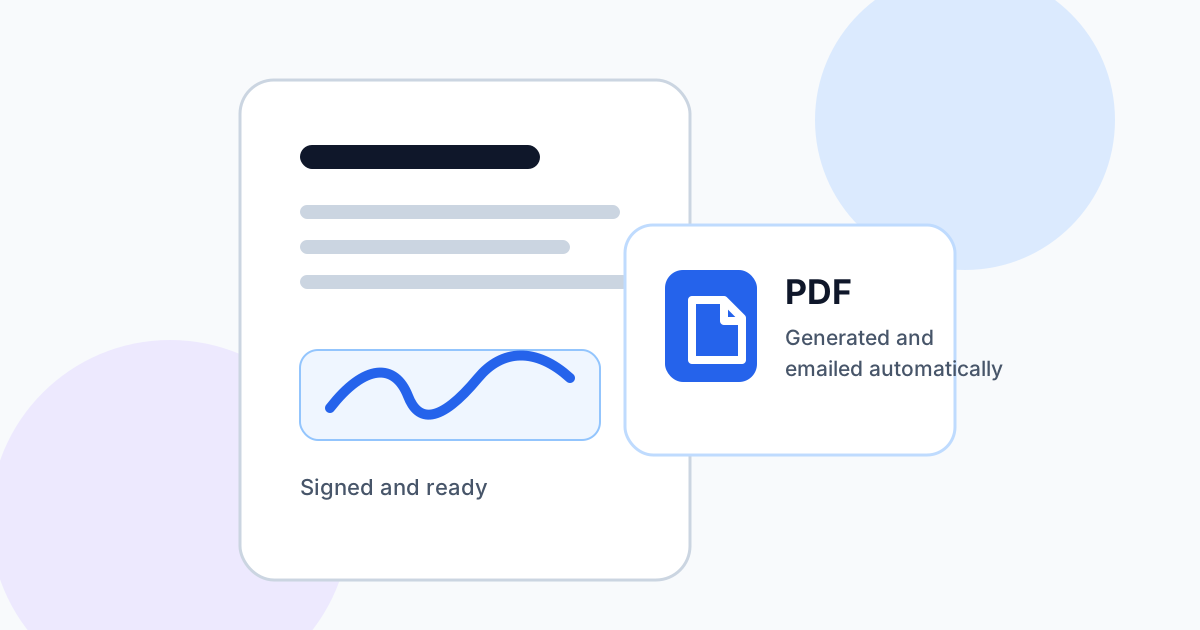
Many forms do not end when a customer presses submit. They need internal review, office-only details, and a finished document that can be sent back to the right people.
Use signature and initials fields
Add signature or initials fields where the public user needs to confirm agreement. These fields are captured with the submission and can be included in the completed PDF.
Keep internal details private
Office Use Only fields let your team complete internal notes, approval details, reference numbers, or final conditions after the public submission has arrived.
Finalize once
When the submission is ready, finalize it to generate and email the completed PDF. FormOS keeps the flow simple so your team can process submissions without rebuilding documents manually.