
How Google Drive and Dropbox uploads work in FormOS
A guide to routing public form uploads into the storage provider connected by the form owner.
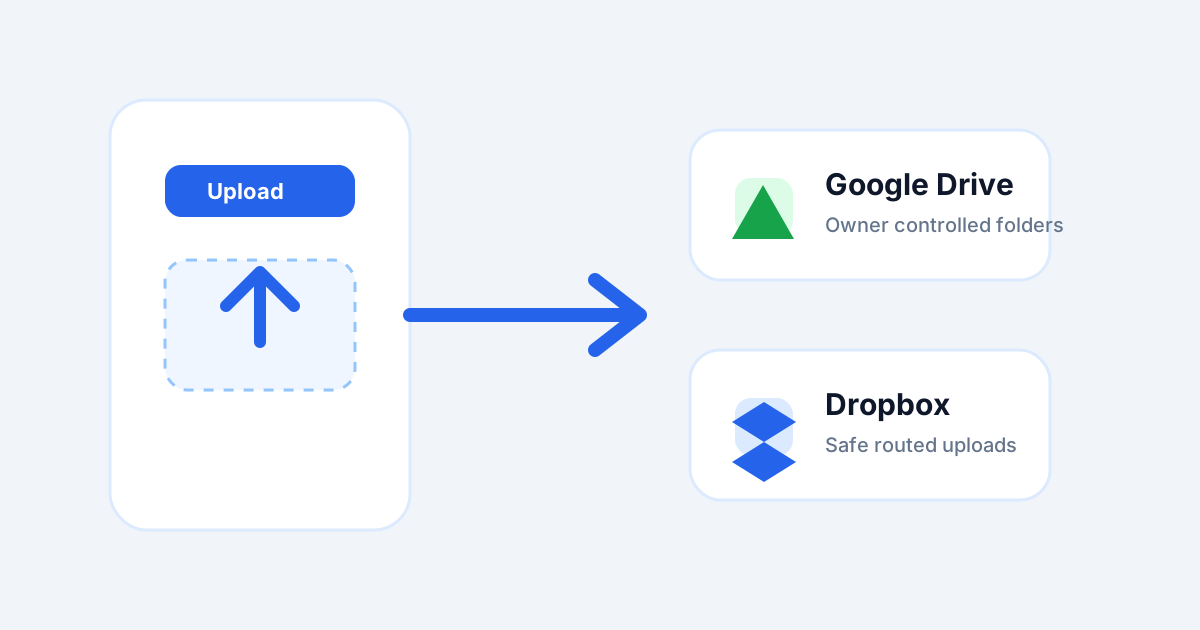
FormOS can collect files from public users while keeping file storage under the form owner's control. The public user uploads through the form, and FormOS routes the file to the connected provider.
Connect storage before publishing
Choose Google Drive or Dropbox in your integrations settings, then select the active upload provider. If a form has file upload fields but no active provider, users will not be able to upload files successfully.
Keep paths controlled by the owner
Public submitters cannot choose your storage folder or path. The owner controls the destination, which keeps uploads predictable and avoids exposing storage credentials.
Use clear file instructions
Tell users what to upload, which file types are accepted, and whether a scan or photo is enough. Clear instructions reduce failed submissions and support requests.