How to create your first online form in FormOS
A practical first-form checklist covering fields, publishing, QR codes, and the first test submission.
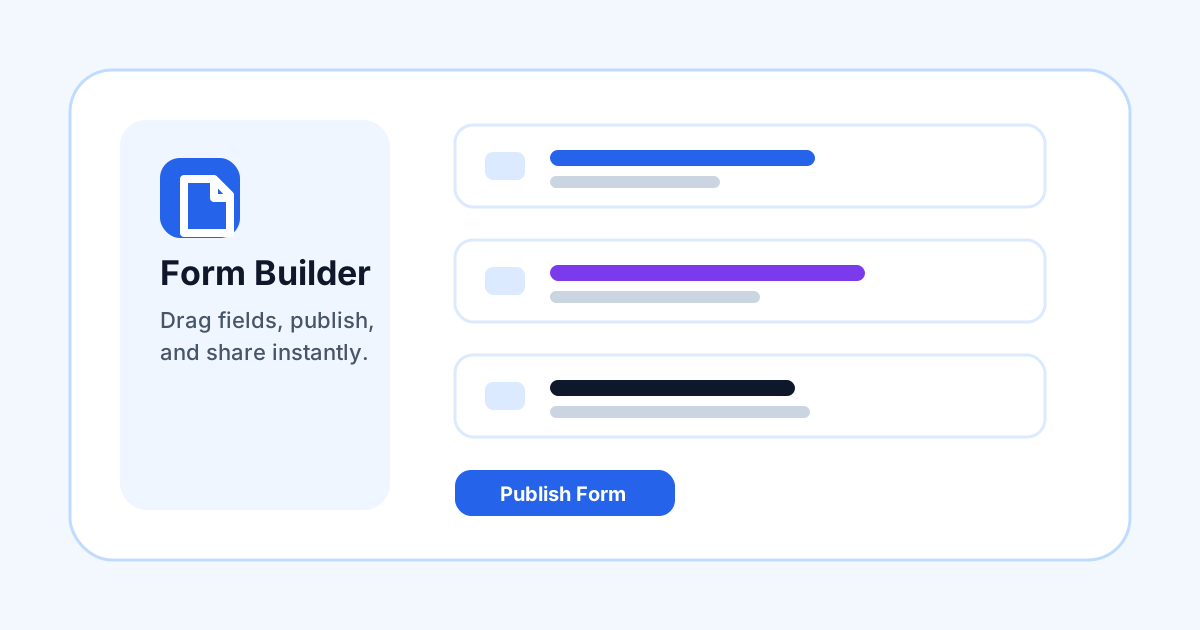
FormOS is designed to help you move from a blank form to a working public workflow quickly. Start with the outcome you need: a booking request, intake form, signed agreement, file collection form, or internal office workflow.
Start with the required fields
Add the fields you must collect first, such as name, email, phone, address, uploaded files, signatures, or initials. Keep optional fields separate so public users can finish the form without confusion.
Preview before publishing
Use the builder preview to check labels, required fields, placeholders, and office-only fields. Office-only fields stay hidden from the public form and can be completed after a submission arrives.
Publish and test
After publishing, open the public link or QR code and submit one test response. This confirms validation, uploads, signatures, storage routing, and submission notifications are all working as expected.